01∞
Start with a question
Explore ideas
Find a direction
Room for every idea.
Sketch, arrange, connect, and keep going on an infinite canvas.
Bring everyone onto the same canvas. Teach a concept, map a plan, or turn a messy brainstorm into your next big thing—together, in real time.

Move from “what if” to “here’s how” with a flexible space built for the way people actually think together.
Sketch, arrange, connect, and keep going on an infinite canvas.
Share a board and work in real time, wherever your team is.
Use drawing tools, text, sticky notes, and files to show what you mean.
Short clips from the real whiteboard. Pick a tool to see what it does.
Write and draw naturally. Hold still at the end of a line and it straightens.
No complicated setup. Just a space to start, a link to share, and the freedom to build on each other’s thinking.
Give it a tryStart with an empty canvas and put your first idea down.
Share your board so everyone can add to the conversation.
Draw, organize, present, and come back to your work later.
Clapp fits the moments when explaining something out loud just isn’t enough.
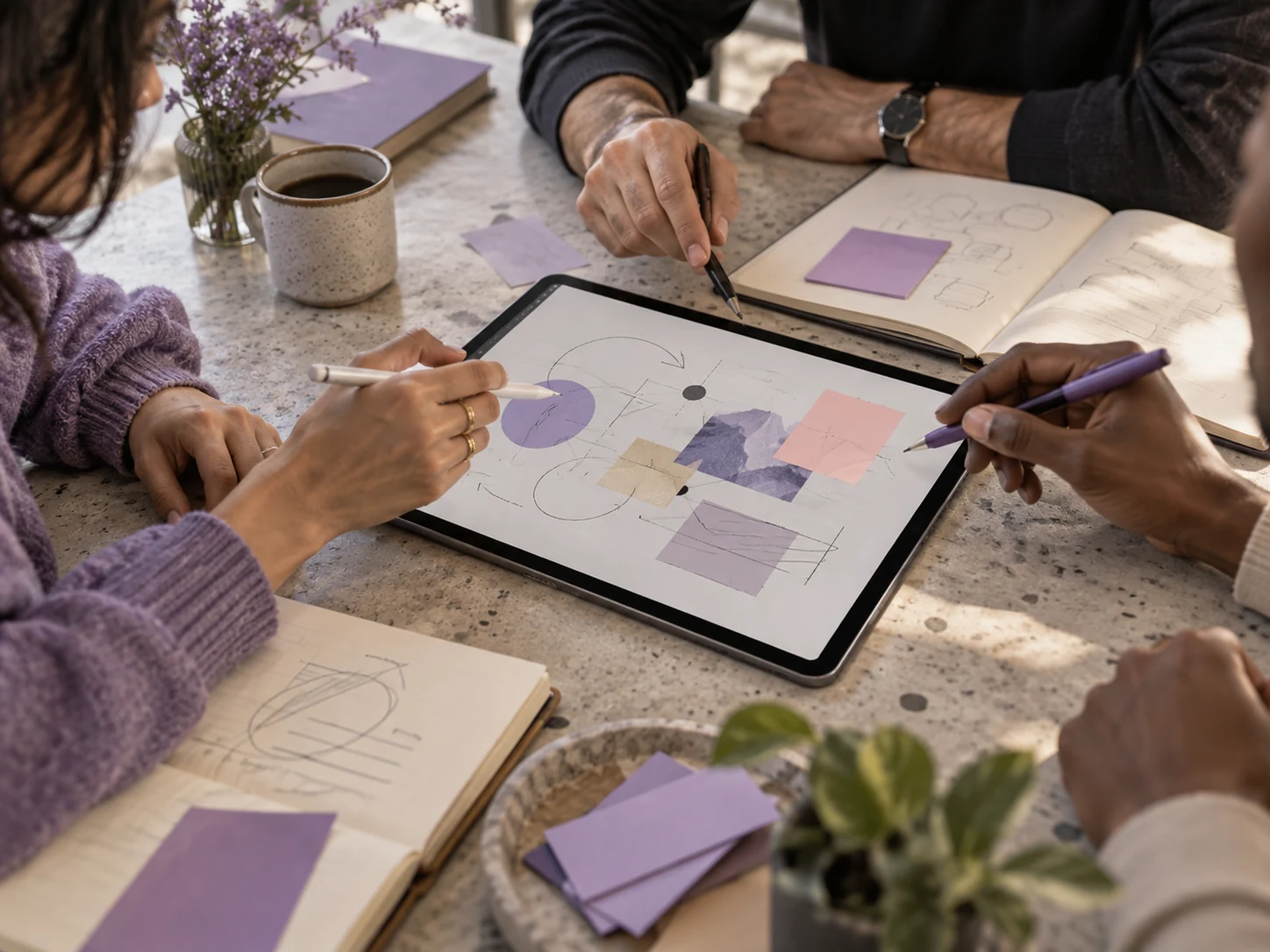
Brainstorm, connect the dots, and turn conversations into plans.

Explain concepts visually and invite students into the lesson.
Watch the Clapp product film to see the canvas in classrooms, creative sessions, and team conversations.
Start a whiteboardExplore the basics, working together, tools, and plans.
Choose Start a whiteboard, then create a new board in the Clapp workspace.
Clapp supports visual teaching, brainstorming, project planning, presentations, and collaborative workshops.
No. Clapp opens in any modern web browser. You can also install it like an app, with its own icon: on iPhone and iPad (Share, then Add to Home Screen), on Android, Chromebook, Windows and Mac (Install in the browser menu), or from the app stores.
Yes. Share a board link to bring others into the same space and work together in real time.
Yes. Computers, tablets and phones work together in the same session, each person with their own colour and name. On a phone, the tools sit in one bar at the bottom.
Clapp describes sharing and access controls for boards. Check the sharing settings in your board before distributing its link.
Pen and pencil strokes, shapes, sticky notes, text, documents and frames, plus pictures, PDFs, Word and Excel files. Ruler, protractor and compass are there for geometry.
The canvas is designed to be infinite. Pan and zoom to make room as your ideas develop.
Yes. Put your slides in frames and present them one after another, or record the board with your voice. Frames also export as pictures or a PDF.
See the Plans page for current options and terms.
Open the Clapp workspace and use its FAQs, Feedback, or Contact us options.
Open a board, invite your people, and see where the conversation goes.
Start a whiteboard